 Mapling
Where you go,mapped for you.
Mapling is an iPhone app that records the places you visit and the journeys between them, automatically. The cafés, stations and walks of your day become a private map and timeline.
Download free on the App StoreFree, for iPhone on iOS 17 or later.
A day off, as recorded
- Hamamatsucho Sta.Train
- Kamakura Sta.Walk
- Tsurugaoka HachimanguTrain
- Great Buddha of KamakuraTrain
- Enoshima Shrine
Nothing to start,
nothing to stop.
Cafés, stations, the office, a day trip. Carry your iPhone and the record of where you went builds up by itself.
Relive any day
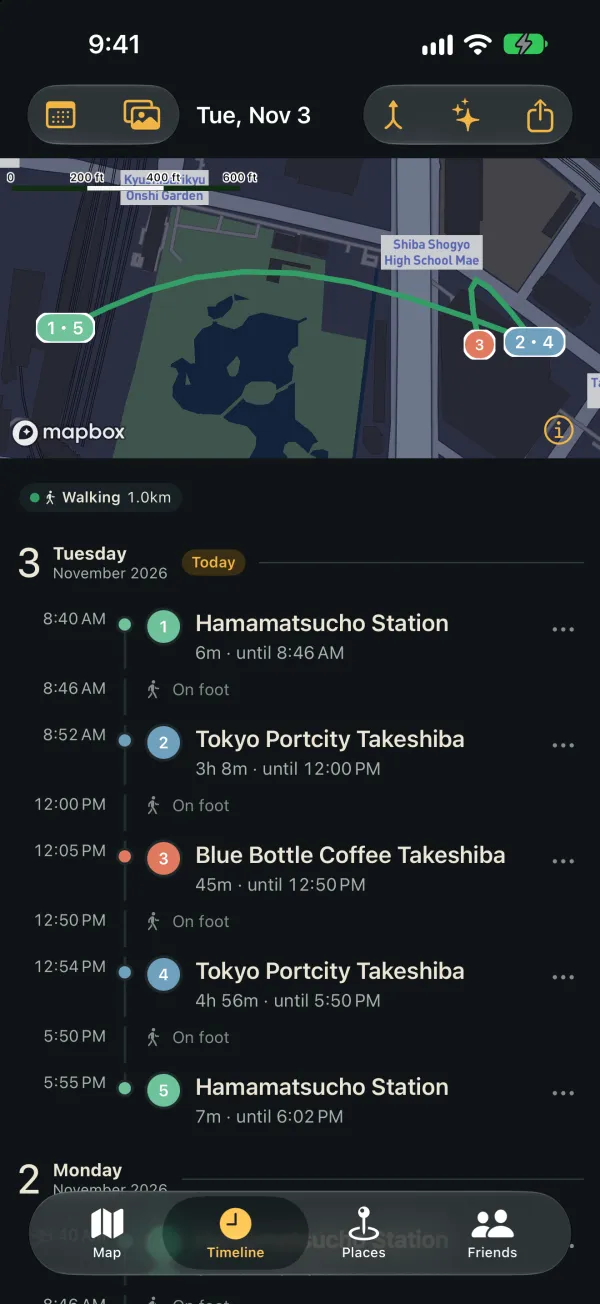
See where you were, when, and how you got there. Stops and journeys line up in time order, with the path you actually walked drawn on the map. Scroll from one day into the next.
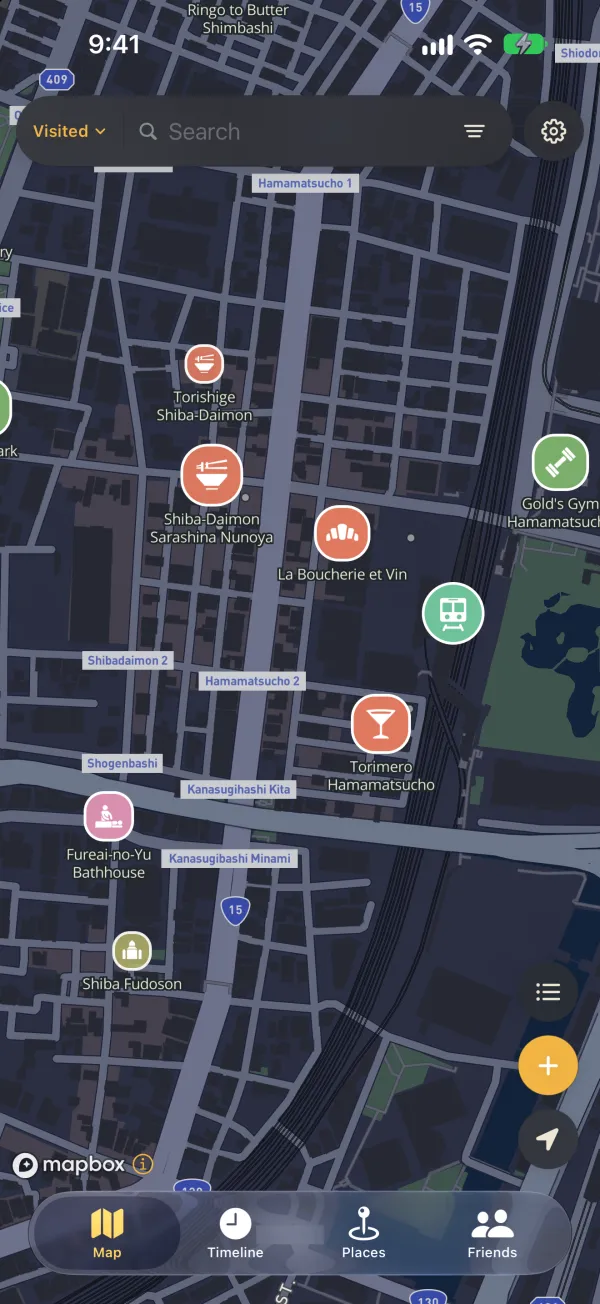
The places you return to grow
Places get bigger on your map the more often you go and the longer you stay, until the map looks like your own neighbourhood.
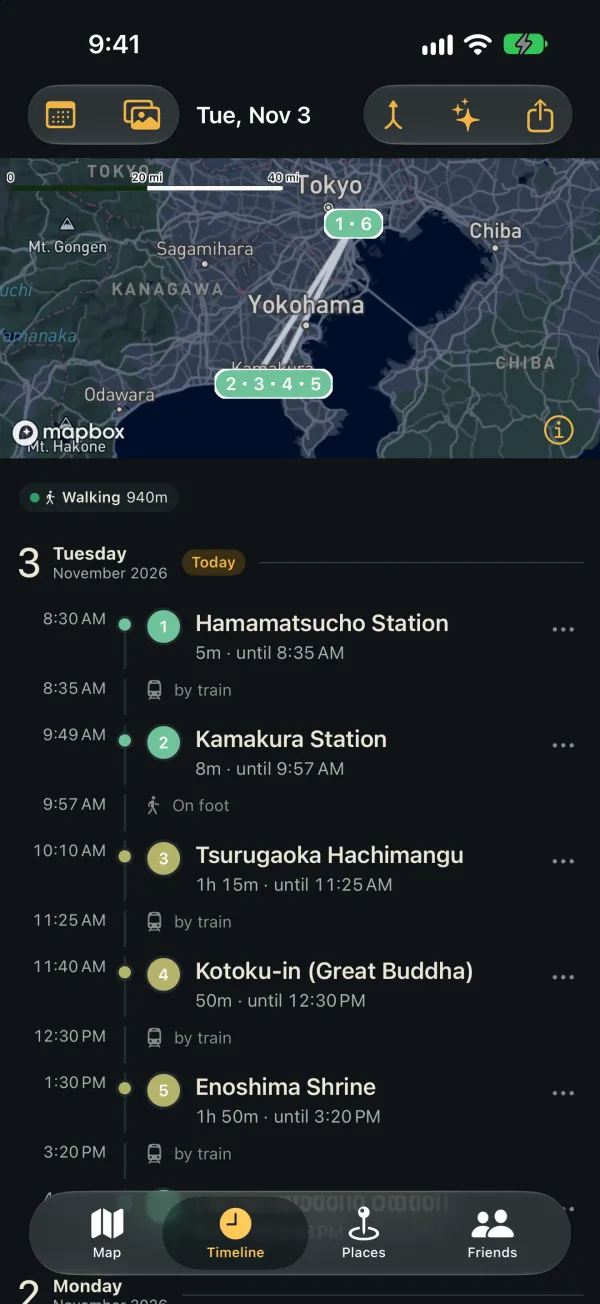
Every stop of a trip, in order
The station you arrived at, the shrines you walked between, the shop on the way home. A day out is kept in order without typing a thing.
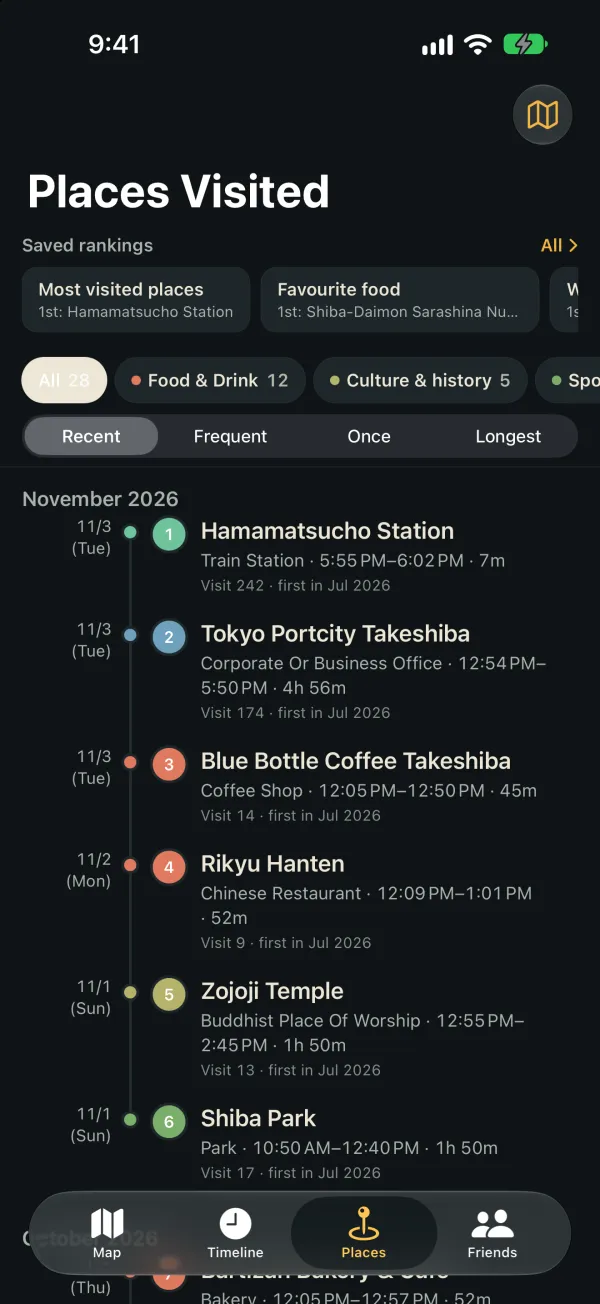
Find that place you went to once
The Places tab filters by food, culture, sports and more, and sorts by recent, frequent, visited once or longest stay.
Also in Mapling
- Invite friends who use Mapling and show them a day, and no one else
- Open a day's history from a photo taken there
- Save personal rankings with your own conditions
- Get commute alerts with the train you can still catch and how fast to walk
- See the weather where you spent each day (in Japan, from AMeDAS observations)
- Confirm uncertain visits from Apple Watch
- Correct, add or delete a recorded visit
- Use the wide screen of iPhone Duo
A new home for your
Google Maps Timeline
Google Maps Timeline no longer lives on the web: your history is now kept on your phone. If you want it somewhere that survives a new phone, Mapling can take it.
Import your Timeline export and years of places appear on your map and timeline.
How the import works
- Export from Google MapsExport your Timeline data from the Google Maps app. A Google Takeout export works too.
- Save it to FilesSave the exported file somewhere the iPhone Files app can open.
- Pick it in MaplingChoose the file from the introduction or from Settings. Mapling never connects to Google; it reads only the file you pick.
Files Mapling can read
- An export from Google Maps on your phone
- A Google Takeout export, new format or old
Your record
is yours.
- Your history is private by default.
- When you share, you choose who sees it (friends only, or anyone with the link) and which days, places and photos.
- Delete individual entries, set how long history is kept, erase everything or delete your account in Settings at any time.
- Usage sharing is off by default. Even when on, it never sends your location, place names or history.
Questions
Is it free?
Yes. Download it and start recording right away.
What does it need to record?
Location access set to "Always" with Precise Location on, so it can record the places you stop at while the app is closed.
Is there an Android version?
Not yet. Mapling runs on iPhone with iOS 17 or later, and you can also check unconfirmed stays from Apple Watch.
Can I import my Google Maps Timeline?
Yes. Both the export from Google Maps on your phone and Google Takeout exports work.
Can anyone else see my history?
No. Your history is private by default. When you share, you choose who sees it and which days, places and photos.
How do I delete my history?
In Settings you can delete individual entries, set how long history is kept, delete everything, or delete your account.
Start today, and where you go stays on your map.
Install it now, and tomorrow you can answer "where was I yesterday?"
Download free on the App StoreFree, for iPhone on iOS 17 or later.